
The Opportunity Lost Between Emails and Good Intentions
An electronic security integrator receives five quote requests this week. Two clients respond quickly, and the salesperson attends to them immediately. One quote is sent two days late because the technician who had to provide the information was in the field. The other two are mentally archived with a "I'll check them tomorrow" that never comes.
Two weeks later, one of those prospects has already signed with the competition. The other doesn't even remember making the request.
This is not a problem of motivation or commercial capacity. It is a structural problem. In a technical SME where the same team sells, operates, and provides support, commercial follow-up competes directly with day-to-day operations. And it almost always loses.
Automating lead follow-up with AI does not solve everything. But it can be the difference between a company that loses opportunities through oversight and one that handles them with consistency.

Why Lead Follow-up Becomes a Real Problem
Everything Lives in Someone's Head
In many technical SMEs, there is no documented commercial follow-up process. The salesperson—or the owner, who also sells—knows which prospects are active because they keep them in mind. When that person is absent, traveling, or simply having a complicated week, leads go unattended.
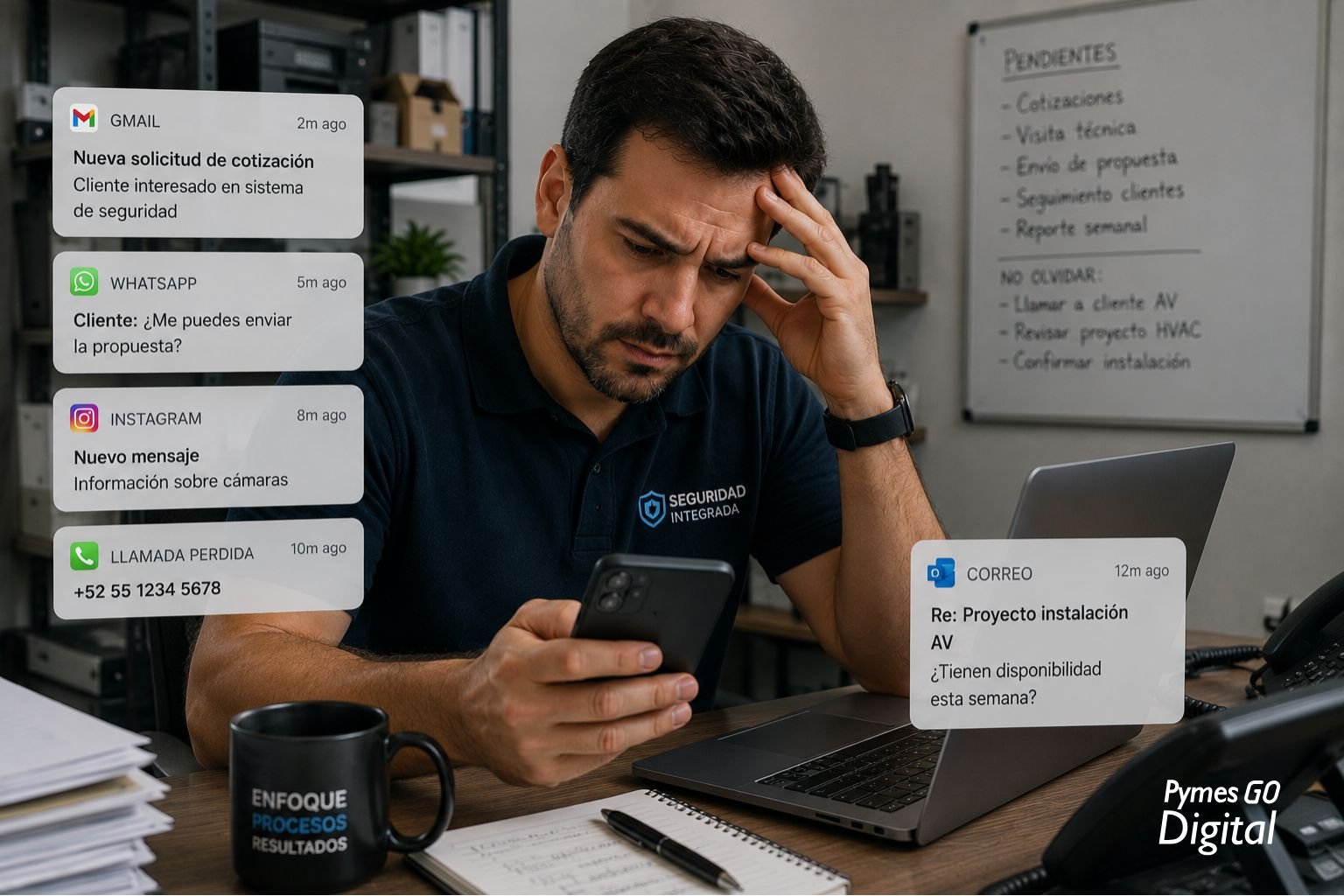
Channels Multiply and No One Controls Them
A lead can arrive via email, WhatsApp, Instagram, a phone call, a security fair, or a client referral. Each channel has its own pace and logic. Without a central system, information becomes fragmented and follow-up becomes reactive: what appears is attended to, not what matters.
Inconsistency Has an Invisible Cost
It is not just the lead that is lost. It is the reputation in front of prospects who were ready to buy and did not receive a timely response. In technical markets where sales cycles are long and relationships matter—such as HVAC installations for buildings, AV projects for corporate rooms, or security systems for retail—inconsistency in follow-up translates into projects that do not move forward.
Manual Work Does Not Scale
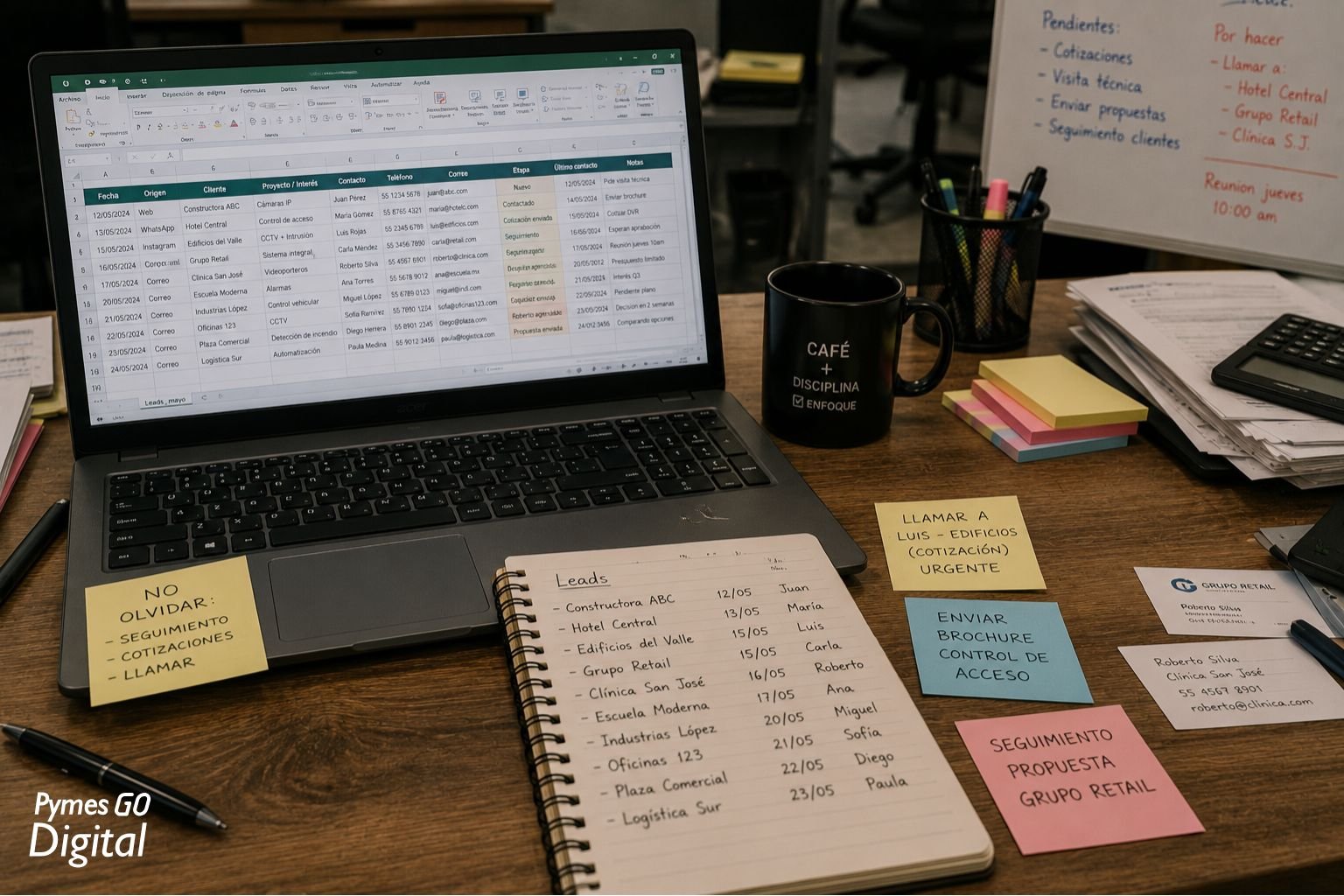
Updating an Excel sheet by hand, writing every follow-up email from scratch, remembering when the last contact with each prospect was: all of that is time taken away from the actual sale. And as the company grows, the problem grows with it.
Which Parts of Commercial Follow-up Can Actually Be Automated
Before talking about AI, it is necessary to be clear about what can be delegated to a system and what remains a human responsibility.
What can be automated well:
- Confirmation emails and acknowledgments of receipt when a new request arrives
- Automatic reminders to the salesperson when a lead has gone more than X days without contact
- Updating lead status in the CRM after each recorded interaction
- Automatic creation of follow-up tasks according to the commercial stage
- Initial classification of leads by request type, industry, or size
- Sending standardized information (technical sheets, presentations) in response to initial requests
- Alerts when a sent proposal has not received a response within a defined time
What still requires human intervention:
- The initial qualification conversation
- Negotiation of conditions and scope
- The technical visit and project assessment
- The relationship with the decision-maker
- The closing
AI does not replace the salesperson. It frees up their time so they can do the things that only a human being can do well.
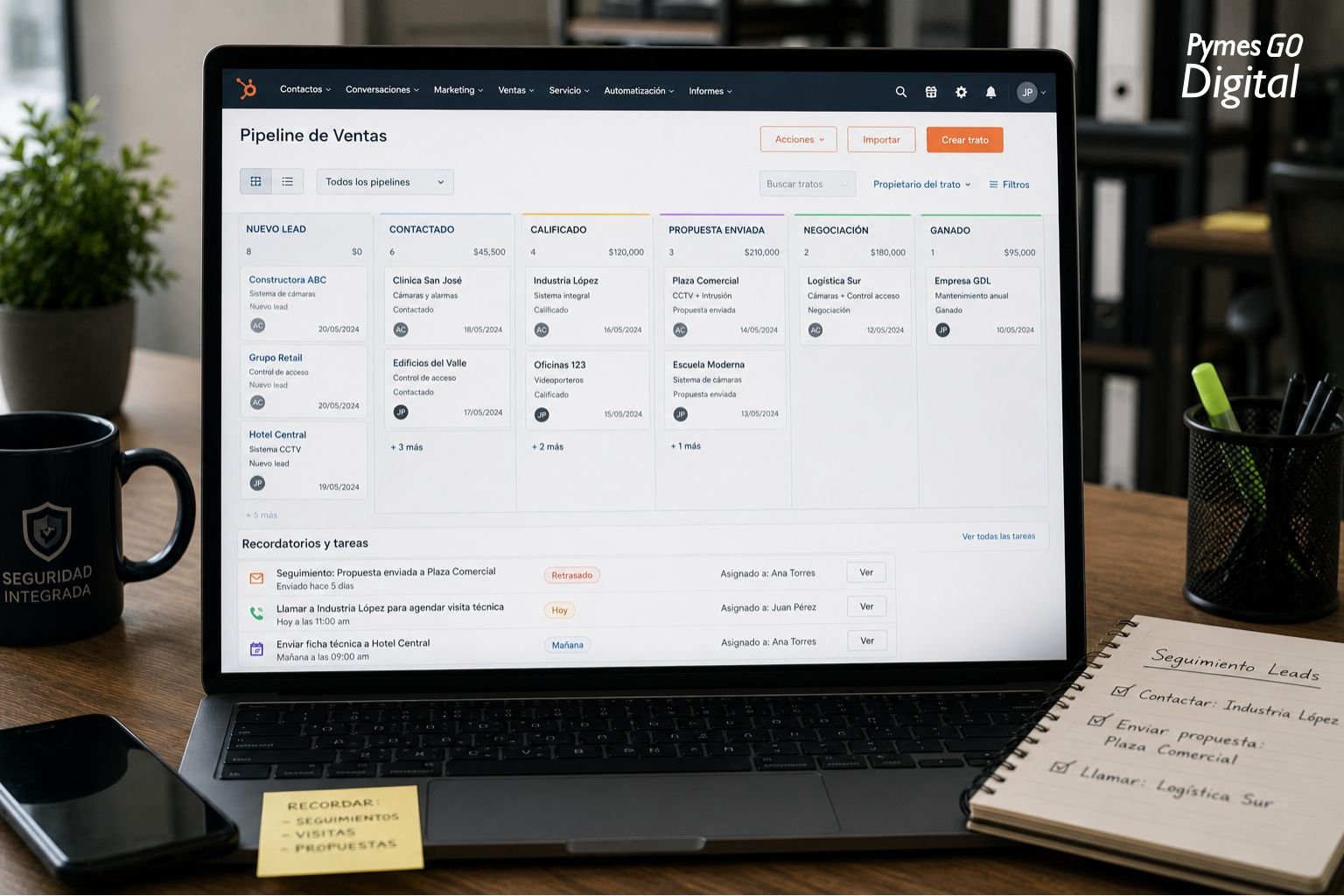
How AI Helps in Practice
Lead scoring: not all prospects deserve the same attention
An AI-powered system can analyze the characteristics of each lead—industry, project size, source channel, behavior in previous emails—and assign it a priority. The salesperson does not start the week with ten identical leads on the list; they arrive with a clear prioritization of whom to contact first.
For a security integrator with projects ranging from a camera for a local store to a comprehensive system for a shopping center, that difference in prioritization has a real impact on how time is distributed.
Smart reminders that do not depend on memory
Instead of the salesperson having to remember when the last contact with each prospect was, the system generates an automatic alert: "It has been five days since you sent the quote to this client. Are you following up?" It seems simple. In practice, that reminder prevents dozens of opportunities from falling into oblivion.
Email drafts ready to review and send
AI can generate a follow-up email draft based on the conversation history and the stage the prospect is in. The salesperson does not write from scratch: they review, adjust if necessary, and send. In companies where the same technician sells and operates, that time saving is significant.
Commercial activity summaries
At the end of the week, instead of reviewing the CRM entry by entry, the system can generate a summary: how many active leads there are, which ones are without a response, which proposals are pending a decision, and which clients have upcoming maintenance that could turn into opportunities. A quick view that provides context without consuming time.
Automatic CRM update
One of the most common problems in SMEs is that the CRM is outdated because no one has time to update it. Some systems can automatically record interactions from sent emails, recorded calls, or transcribed voice notes. The history stays updated without additional effort.
What a Company Needs Before Automating Follow-up
Here is the point most often omitted in conversations about commercial automation, and it is the most critical.
Automating a messy process does not improve it. It reproduces it with more speed.
Before implementing any AI tool for lead follow-up, a company needs to have resolved, even in a basic way, the following:
A defined commercial process. Knowing how a lead moves from arrival to closing or dismissal. It doesn't have to be complex. It can be five simple stages: request received, qualification, quote sent, in negotiation, closed. But it must exist.
A single source of information. If leads live in three different emails, two Excel sheets, and the owner's WhatsApp, no system can automate that chaos. The first step is to centralize.
Clear commercial stages. AI needs to know where each prospect stands to do something useful with that information. Without defined stages, no automation is possible.
A CRM, even a basic one. It doesn't have to be Salesforce. HubSpot has a free version that is enough to start. What matters is that there is a central tool where commercial information lives.
Common Mistakes When Automating Commercial Follow-up
Automating chaos. This is the most frequent and most costly mistake. If the commercial process is not defined before implementing the tool, the system automates the disorder and scales it.
Implementing too many tools at once. A new CRM, an email automation tool, a lead scoring system, and an analysis platform, all at the same time. The result is an overloaded team that ends up using none of the tools correctly.
Eliminating human contact in inappropriate stages. There are moments in the sales cycle of a technical company where automation has no place: the qualification call, the assessment visit, the scope negotiation. Automating these interactions creates distance with the client at moments where the relationship defines whether the deal is closed.
Blindly trusting system information. CRM data is only as good as the discipline with which it is fed. Incorrect lead scoring because information is outdated leads to poor prioritization. Human supervision does not disappear; it becomes more strategic.
How to Start: A Realistic Path
Step 1 — Identify how leads arrive today. Make a list of all channels: email, WhatsApp, calls, social networks, referrals, fairs. Without that inventory, a capture process cannot be designed.
Step 2 — Centralize in a single tool. Choose a basic CRM and migrate all existing information. At this stage, the goal is not to automate: it is to organize.
Step 3 — Define the stages of the commercial process. Five or six stages are sufficient. The important thing is that the entire team understands and uses them in the same way.
Step 4 — Automate a single flow. The ideal first candidate is the automatic acknowledgment of receipt when a new request arrives, combined with a reminder to the salesperson 48 hours later if there is no record of contact. It is simple, has an immediate impact, and does not require a significant investment.
Step 5 — Measure for four weeks. See how many leads are being attended to, in how much time, and how many advance to the proposal stage. This data is the basis for deciding what to automate next.
Step 6 — Scale with evidence. Only when the first flow works consistently does it make sense to add the next one. Not before.
What Changes When Follow-up Works Well
A technical company that achieves consistency in its commercial follow-up does not necessarily sell more immediately. What does change is that it stops losing opportunities through oversight.
Response speed improves. Visibility over the pipeline becomes real, not estimated. The commercial team—which in many SMEs is one or two people—can focus on the conversations that matter instead of manually managing to-do lists.
AI in lead follow-up is not a magic solution. It is a tool for consistency. And in technical B2B sales, where cycles are long and relationships matter, consistency is exactly what separates companies that grow from those that depend on luck.
This article is part of the Content Hub "AI for Sales and Follow-up in SMEs" by PymesGoDigital. If your company is evaluating how to improve its commercial process without increasing the team's operational load, the first step is always the same: organize before automating.